





Identity
Photo, name, title and company
How it works
See how your team gets consistent email signatures that stay up to date by themselves.
Sign up with your company name. You get 14 days with everything included and no card. You are the owner of the account.
Tip: invite a colleague as admin so you are never the only one who can make changes.
Upload your logo and pick your brand colors. Every template takes them automatically, and changing them later recolors every signature.
Tip: upload the logo as a PNG with a transparent background.
Start from a ready-made design: corporate, minimal, sales, support… Filter by photo, logo or layout and preview them with your details.
Tip: start with one template for everyone and refine it later.
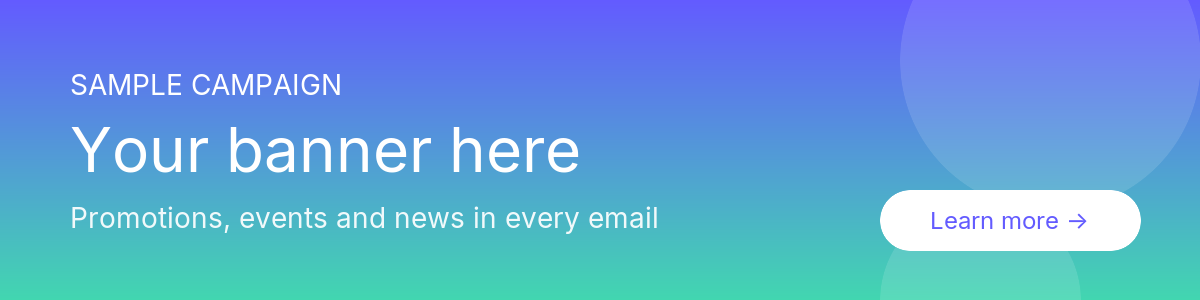
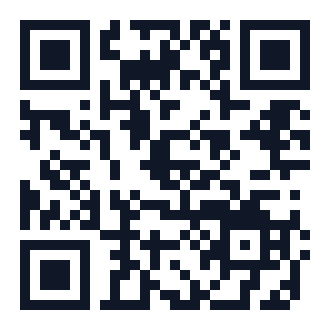
Add, move and style blocks: photo, contact details, social profiles, buttons, banners, QR codes, legal notice. Preview it in light and dark mode, on desktop and phone.
Tip: keep it to 3–6 lines of details; signatures read best when they are short.
Blocks
23 blocks to combine as you like. Any of them can go in a container with a background or an accent border.
Photo, name, title and company
Phone, email, location and more
Icons or links to your profiles
Two to four numbers with a label
A date, a title and a sign-up link
Your latest video, podcast or article
A client quote with name and company
Two to four images with links
When you are available, in your time zone
Your brand line, with style
A call to action with a link
Stars and a score linked to your reviews
Certifications, awards or app store badges
“Add to contacts” link and QR code
Small confidentiality text
Artificial intelligence
Write what you need in a sentence and get a signature, a banner or a polished photo in seconds, in your brand colors and ready to edit.
“Two columns, round photo, logo and a button to book a meeting.” It becomes a template you can adjust.
Paste its HTML and get it back in blocks, side by side with the original, ready for the whole team.
“Free webinar on 20 October.” A campaign banner with your colors, paused until you review it.
Take it with the camera and get a professional retouch that keeps the same person; add your own request, like a plain background.
Invite members by email or add shared mailboxes such as sales@. Assign templates, set roles and fix anyone’s details from one list.
Tip: ask everyone to add their photo; signatures with a face get more replies.
Each person opens their signature page and copies it into Gmail, Outlook or Apple Mail with step-by-step help. Admins can also export every signature at once.
Tip: send the ZIP to IT if they install signatures centrally.
Schedule banners for a launch, an event or an offer. They appear in every signature on the right dates and you see the clicks day by day.
Tip: plan next month’s campaign now; it switches on by itself.
Change a phone number, a banner or a color once: installed signatures update by themselves. Nobody has to reinstall anything.
Tip: review the dashboard once a month to see who still has no signature.
14 days free, no card required. Set up in minutes.
-50% Launch offer: all prices are 50% off.
Users 1–10
1 €
2 €
per user / month
Users 11–50
0,75 €
1,50 €
per user / month
Users 51+
0,50 €
1 €
per user / month
Lifetime
Or pay once: lifetime from 30 € per user.
Custom service
We help every person in your team and design a signature made for your brand.